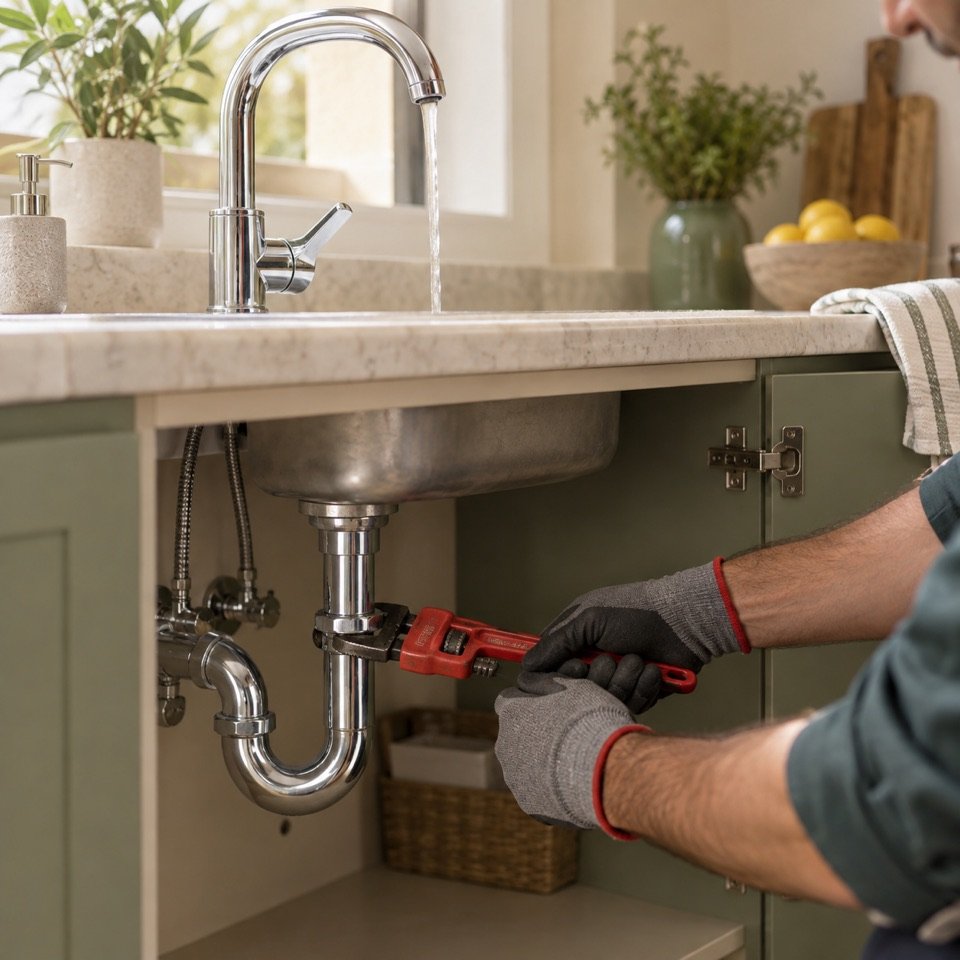
Choose your area and the service you need. Open profiles to see photos, availability and reviews.
02
Create your account & request
Add your profile and face photo for account review. Once approved, message the professional and request a date and time.
03
Confirm, pay & review
The professional accepts your request. After the work, pay in cash, confirm completion and share your experience.
The details that make it easier.
Know who you are booking
See the professional’s profile, service details, published phone number and ratings out of five.
Choose a time that suits you
Ask for a service ahead of time. A green or red indicator shows whether a professional is accepting new requests.
Keep everything together
Use in-app messages and the Orders tab to follow upcoming work and find your order history.
Keep your private details private
Your client name is shortened to a first name and last initial. Your private phone number is not published.
Distances are approximate and based on selected areas. Availability and a booking request do not guarantee an appointment until the professional accepts.
A simpler day starts here.
Explore Click and get ready for launch.
Downloads are not available yet. No payment or registration is needed on this website.